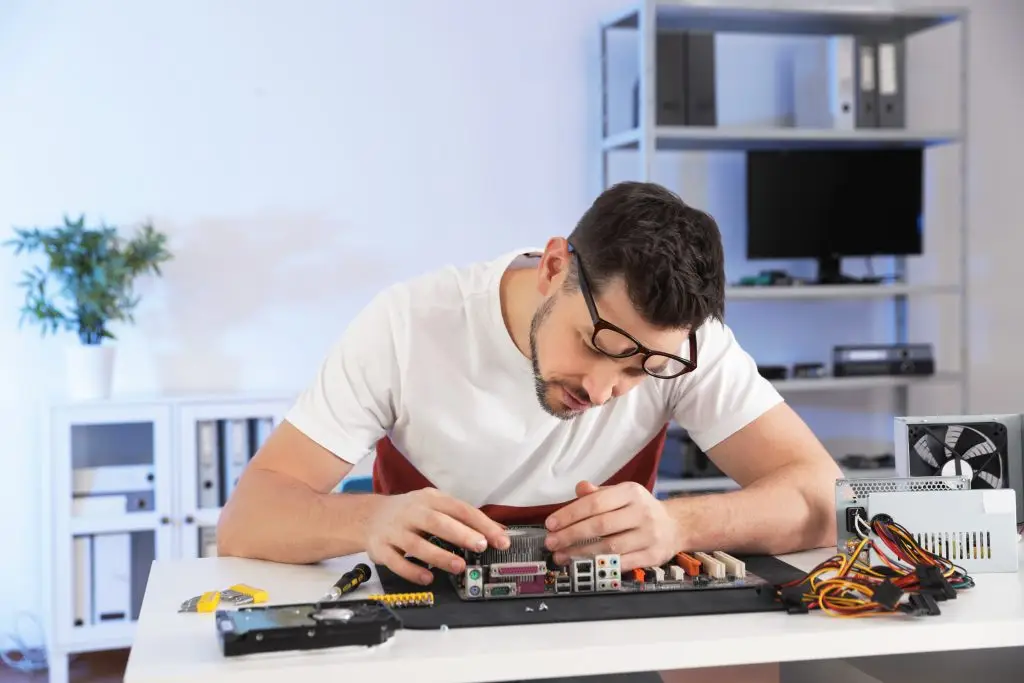
Apple and Windows Computer Repair in Prince George

Apple and Windows Computer Repair in Prince George

Keep essential business and personal devices operating reliably with professional computer repair for Prince Georgecustomers. ITGuru Canada Inc. diagnoses supported Apple and Windows laptops and desktops and provides repair, optimization, upgrade and replacement guidance.

Business and Home Computers

Apple and Windows Support

Repair-or-Replace Guidance

Computer Repair for Prince George Businesses and Homeowners

Computers used for business, remote work and daily household tasks often contain important applications, account access and files. When a device becomes unreliable, the impact may extend beyond the computer itself. ITGuru Canada Inc. provides diagnostics and repair services to eligible Prince George businesses, professionals, remote workers and homeowners. We assess the reported problem and recommend a practical repair, upgrade or replacement approach. ITGuru Canada Inc. is based in Fort St. John and does not represent that it maintains a Prince George office or public repair location. Service arrangements depend on the device, location, requested work and availability.

Is an Unreliable Computer Interrupting Your Work?

Customers may need assistance with:
  • Business laptops that freeze or crash
  • Desktop computers with hardware failures
  • Slow performance during remote work
  • Startup and operating-system problems
  • Malware or suspicious account activity
  • Storage that is full or failing
  • Overheating during demanding tasks
  • Computers that cannot run required software
  • New devices that need configuration
  • Files that must be transferred
  • Questions about upgrading or replacing equipment
  • Several business computers with recurring problems
Diagnostics help separate repairable issues from limitations caused by age, design or unsupported technology.

Repair Decisions Based on Business and Device Needs

A repair may be appropriate when the device remains compatible with the required applications and the work is reasonable compared with its value. Replacement may be more practical when hardware is obsolete, required parts are unavailable or the computer can no longer support essential software. We explain the findings so customers can make an informed decision. Business customers with several supported devices may also benefit from an ongoing managed IT arrangement instead of relying only on individual repairs.

What’s Included

01

Apple Laptop and Desktop Support

We diagnose supported Mac computers experiencing software errors, startup failures, malware, hardware concerns and poor performance.
Repair and upgrade options depend on the Apple model, age, physical design and manufacturer requirements.

02

Windows Laptop and PC Support

We troubleshoot supported Windows computers with operating-system errors, application crashes, malware, hardware problems and unreliable performance.
Recommendations consider the device’s condition, compatibility and required business or personal use.

03

Hardware Diagnostics and Repair

We review covered hardware components to identify likely failures or performance limitations.
Repairs and replacements proceed only after the available options have been explained and approved.

04

Software Troubleshooting

Software service may address application conflicts, operating-system problems, update failures and configuration concerns.
Certain issues may require software removal, reinstallation or an operating-system reset.

05

Malware Removal

Malware removal identifies and removes detected malicious software from supported devices.
A separate cybersecurity review may be appropriate when a business computer, cloud account or multiple devices may have been affected.

06

Storage and Memory Upgrades

Compatible storage and memory upgrades may improve device responsiveness and capacity.
Some computers contain fixed components and cannot be upgraded. Available options are confirmed during diagnostics.

07

Performance Optimization

Optimization may improve the efficiency of supported computers through cleanup and approved configuration adjustments.
Underlying hardware limitations and age-related issues may still affect the final performance.

08

Data Transfer and Device Configuration

We help move accessible business or personal files to a supported replacement device and configure approved settings.
Data transfer does not guarantee that every application, licence, account, preference or file will transfer successfully.
Benefits for Prince George Customers

Depending on the device and problem, professional computer service may provide:

  • Clearer hardware and software findings
  • Practical repair-or-replace guidance
  • Improved performance where feasible
  • Compatible storage or memory upgrades
  • Removal of detected malware
  • Help preparing a replacement device
  • Support for remote-work technology
  • Reduced interruption to business or home use

Why Choose ITGuru Canada Inc.?

  • Regional Northern BC technology provider
  • Apple and Windows diagnostics
  • Laptop and desktop support
  • Service for businesses and homeowners
  • Practical repair-or-replace recommendations
  • Compatible performance upgrades
  • Data-transfer and device-setup options
  • Related managed IT and cybersecurity expertise

Computer Repair for Prince George

ITGuru Canada Inc. provides computer diagnostics and repair services to eligible Prince George customers. We do not represent that we maintain a Prince George repair shop or office.

Some software concerns may be reviewed remotely. Physical repairs require a confirmed arrangement based on the device, customer location and current availability.

Process

Frequently Asked Questions

Do you have a computer-repair location in Prince George?
No Prince George office or public repair location is represented. ITGuru Canada Inc. coordinates services from Fort St. John.
Yes. We diagnose supported Apple and Windows business laptops and desktops. Businesses with multiple devices may also consider managed IT support.
Some supported software and configuration issues may be reviewed remotely. Hardware repairs require physical access.
We can diagnose startup failures to identify the likely cause. Not every failure can be repaired economically.
Yes. We remove detected malware. Broader cybersecurity services may be recommended when accounts, business systems or multiple devices could be affected.
Yes, when the existing files remain accessible. Data transfer is different from recovering data from damaged or failed storage.
Possibly. Upgrade options depend on the model, design, condition and required software.
Onsite availability has not been confirmed as a standard service. Any onsite or physical-service arrangement must be approved in advance
The cost depends on diagnostics, approved labour, required parts, transportation arrangements and additional services.

Read Our Latest Insights

Unlocking SMB Productivity

How design, hosting and ongoing support work together under one managed website plan.

Overcoming Technology Challenges

How design, hosting and ongoing support work together under one managed website plan.

Hosting & Support

How design, hosting and ongoing support work together under one managed website plan.