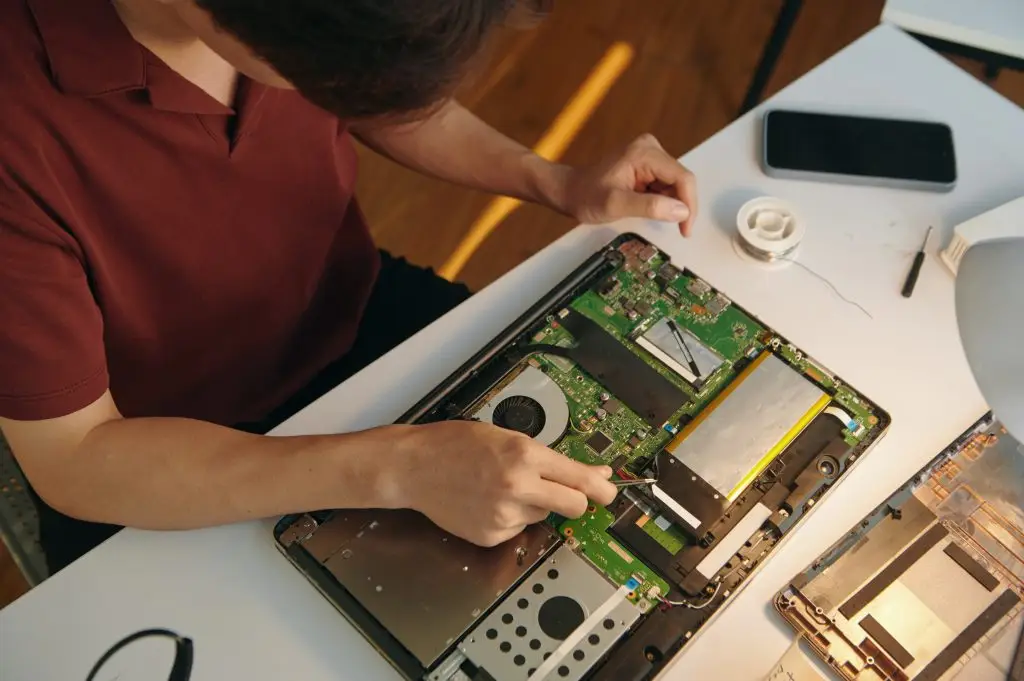
Apple and Windows Computer Repair in Dawson Creek

Apple and Windows Computer Repair in Dawson Creek

Restore the reliability of your computer with professional computer repair for Dawson Creek businesses and homeowners. ITGuru Canada Inc. diagnoses supported Apple and Windows laptops and desktops and provides practical repair, upgrade or replacement recommendations.

Apple and Windows Diagnostics

Practical Repair Advice

Service by Arrangement

Computer Support for Dawson Creek Customers

A computer problem does not always require replacing the device. Slow performance, startup failures and software errors may result from several possible hardware or software causes. ITGuru Canada Inc. provides computer diagnostics and repair services for eligible Dawson Creek businesses, homeowners, professionals and remote workers. Services are coordinated from our Fort St. John base; we do not represent that ITGuru Canada Inc. has a Dawson Creek repair shop or office. Service arrangements depend on the device, diagnostic requirements, customer location and current availability. Any transportation, drop-off or onsite arrangements must be confirmed before service.

What Is Affecting Your Computer?

Common symptoms include:
  • A laptop or desktop that will not start
  • Slow performance during everyday tasks
  • Applications that freeze or crash
  • Operating-system errors
  • Malware or suspicious activity
  • Overheating or loud cooling fans
  • Storage that is full or unreliable
  • Hardware that is damaged or failing
  • Difficulty installing updates
  • Problems moving to a new computer
  • Questions about memory or storage upgrades
  • A device that no longer supports required software
The symptoms alone may not reveal the cause. Diagnostics help determine what should happen next.

Straightforward Repair Recommendations

Our process begins with understanding the device, symptoms and recent changes. Where appropriate, diagnostics are then used to review the likely hardware or software cause. We explain whether the computer appears repairable, whether an upgrade may be practical or whether replacing the device may provide better value. We do not assume that repairing every computer is the right decision. Age, condition, repair cost, compatibility and expected useful life should all be considered.

What’s Included

01

Apple Computer Diagnostics

We assess supported Mac laptops and desktops affected by performance, startup, software, malware or hardware concerns.
Apple repair and upgrade options vary significantly by model. Some components may be fixed or require manufacturer-authorized service.

02

Windows Computer Diagnostics

We troubleshoot supported Windows laptops and desktop PCs experiencing crashes, startup problems, malware, overheating or unreliable performance.
Available repairs depend on the computer’s design, condition and compatible replacement parts.

03

Hardware Troubleshooting

Hardware problems may involve storage, memory, cooling, power or other internal components.
We review the available repair options before replacing approved parts. Not every damaged component can be repaired economically.

04

Software and Operating-System Repair

Software troubleshooting can address configuration problems, application conflicts, system errors and certain operating-system failures.
Some repairs may require reinstalling software or the operating system. Preservation of every application, setting or file cannot be guaranteed.

05

Malware Removal

We remove detected malware from supported computers and may recommend appropriate next steps for reducing future risk.
Removing malware cannot guarantee that every affected file will be recovered or that the computer will remain protected from future threats.

06

Compatible Computer Upgrades

Storage or memory upgrades may improve performance and capacity when the computer supports them.
Compatibility is reviewed before an upgrade is recommended.

07

Performance Optimization

Performance optimization may involve cleanup, configuration changes and software adjustments.
The results depend on the computer’s hardware, age, operating system and underlying condition.

08

Data Transfer and New-Computer Setup

We can assist with transferring accessible files and setting up a supported replacement computer.
Some applications, licences, settings and account information may need to be reconfigured separately.

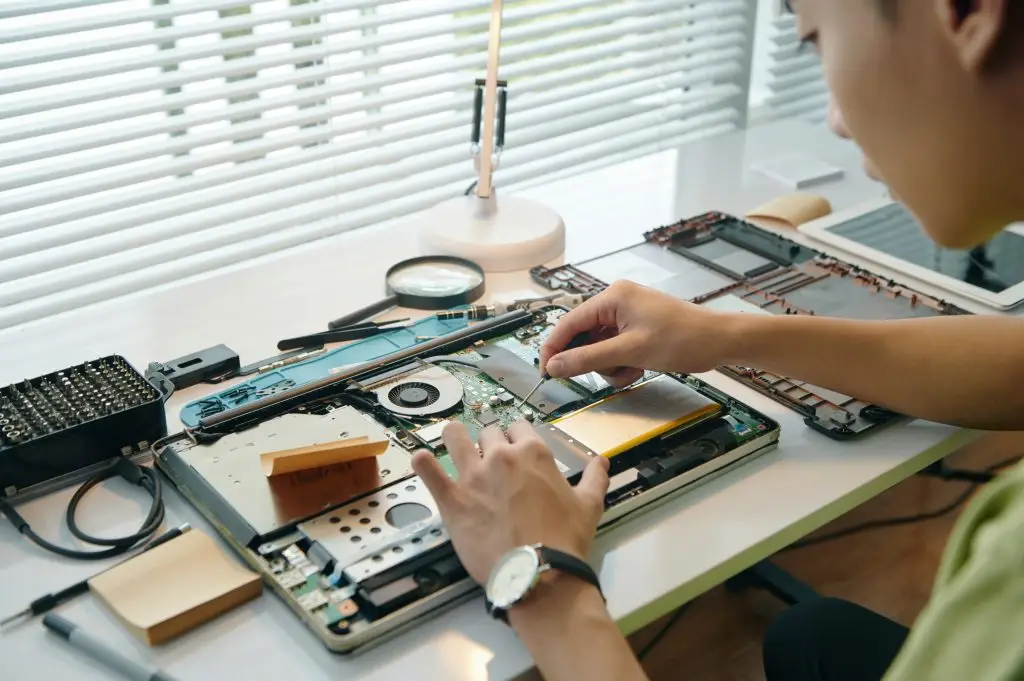
Benefits for Dawson Creek Customers

Professional diagnostics and repair may help provide:
  • A practical explanation of the problem
  • Less guesswork about replacement parts
  • Repair-or-replace guidance
  • Removal of detected malware
  • Compatible performance improvements
  • Help moving to a replacement device
  • Support for business and personal computers
  • Clear approval before repair work begins

Why Choose ITGuru Canada Inc.?

  • Regional provider based in Fort St. John
  • Apple and Windows experience
  • Support for laptops and desktops
  • Recommendations based on diagnostic findings
  • Clear explanations of available options
  • Compatible upgrade services
  • Business and residential support
  • Service arrangements confirmed in advance

Computer Repair for Dawson Creek

ITGuru Canada Inc. provides computer repair services to eligible Dawson Creek customers. We do not represent that we maintain a Dawson Creek office or walk-in repair location. Remote troubleshooting may be possible for some software concerns. Physical repairs require an approved arrangement for receiving or accessing the computer.

Process

Frequently Asked Questions

Do you have a computer-repair shop in Dawson Creek?
No Dawson Creek office or walk-in repair shop is represented. Service arrangements are coordinated from Fort St. John.
Some supported software, configuration and account concerns may be addressed remotely. Hardware repairs require physical access to the computer.
Yes. We diagnose supported Apple and Windows laptops and desktop computers.
Yes. We remove detected malware, but we cannot guarantee recovery of damaged files or protection against future infections.
Possibly. Storage and memory upgrades depend on the computer’s model, design, condition and compatibility.
Data transfer is available as a separate service or where included in the approved work. It is not the same as data recovery.
Pickup, delivery and transportation arrangements are not automatically included and must be confirmed before service.
Timing depends on diagnostics, required work, parts availability and the service arrangement.
Pricing depends on diagnostics, approved labour, required components and any additional services.

Read Our Latest Insights

Unlocking SMB Productivity

How design, hosting and ongoing support work together under one managed website plan.

Overcoming Technology Challenges

How design, hosting and ongoing support work together under one managed website plan.

Hosting & Support

How design, hosting and ongoing support work together under one managed website plan.